
CubeSolve Scan 3D
Scan every face with a live 3D twin that paints centers first, then turns with you after each shot. Fix stickers, practice in Challenges & Learn, and follow clear 3D solution turns — free camera, no ads.
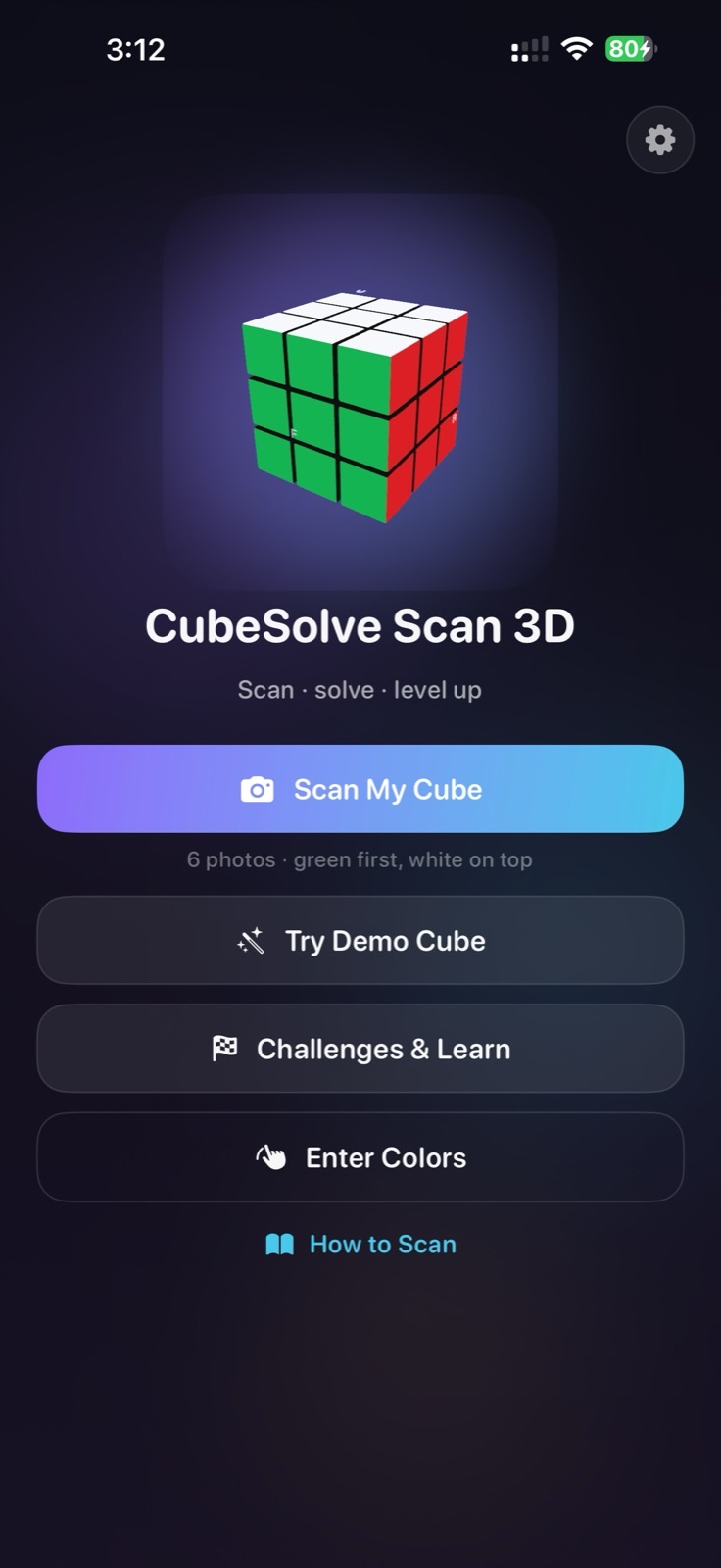
See it in motion
App preview from a real device · progressive twin, scan coach, and solve flow.
App preview · real UI
Product trailer · cube story
What’s new in the coach
Built after the first release — more guidance, less guessing.
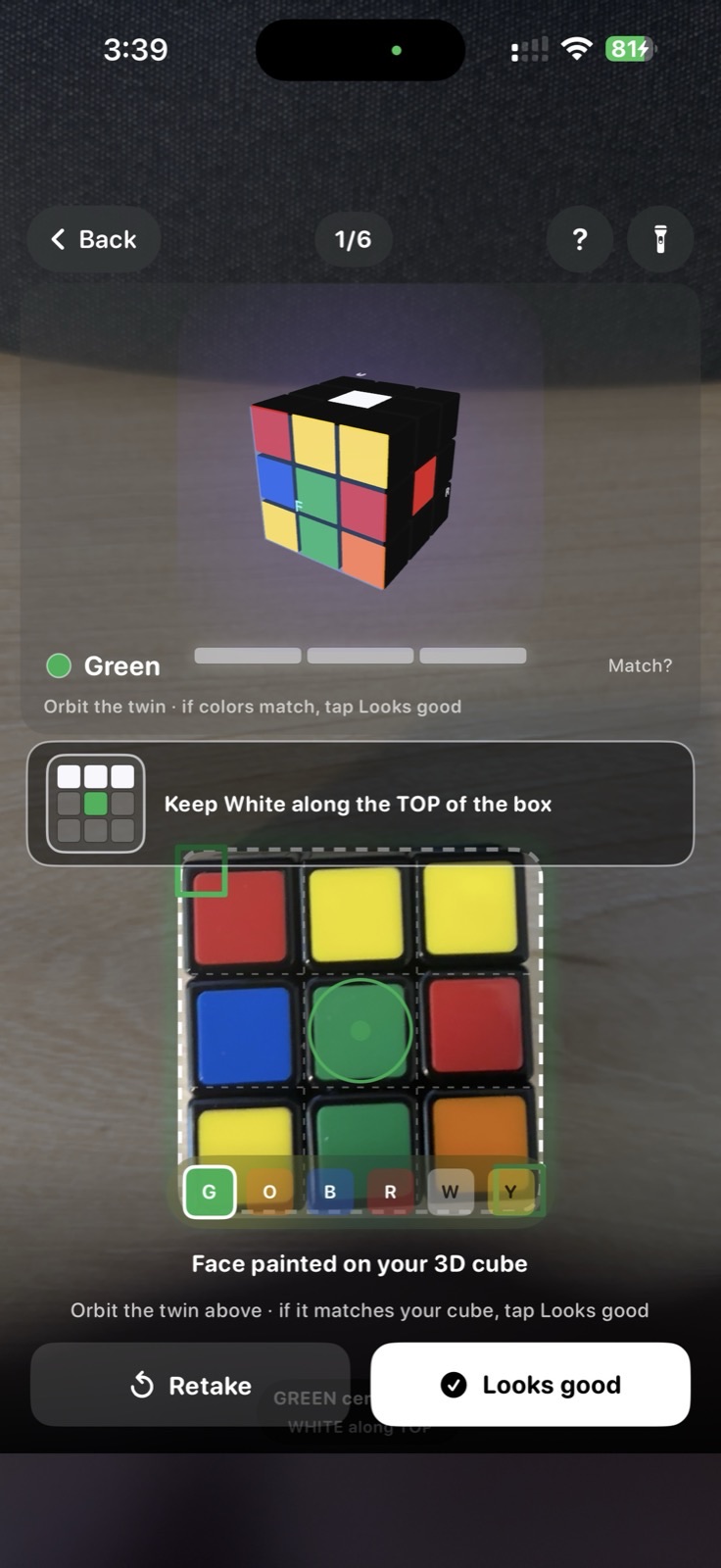
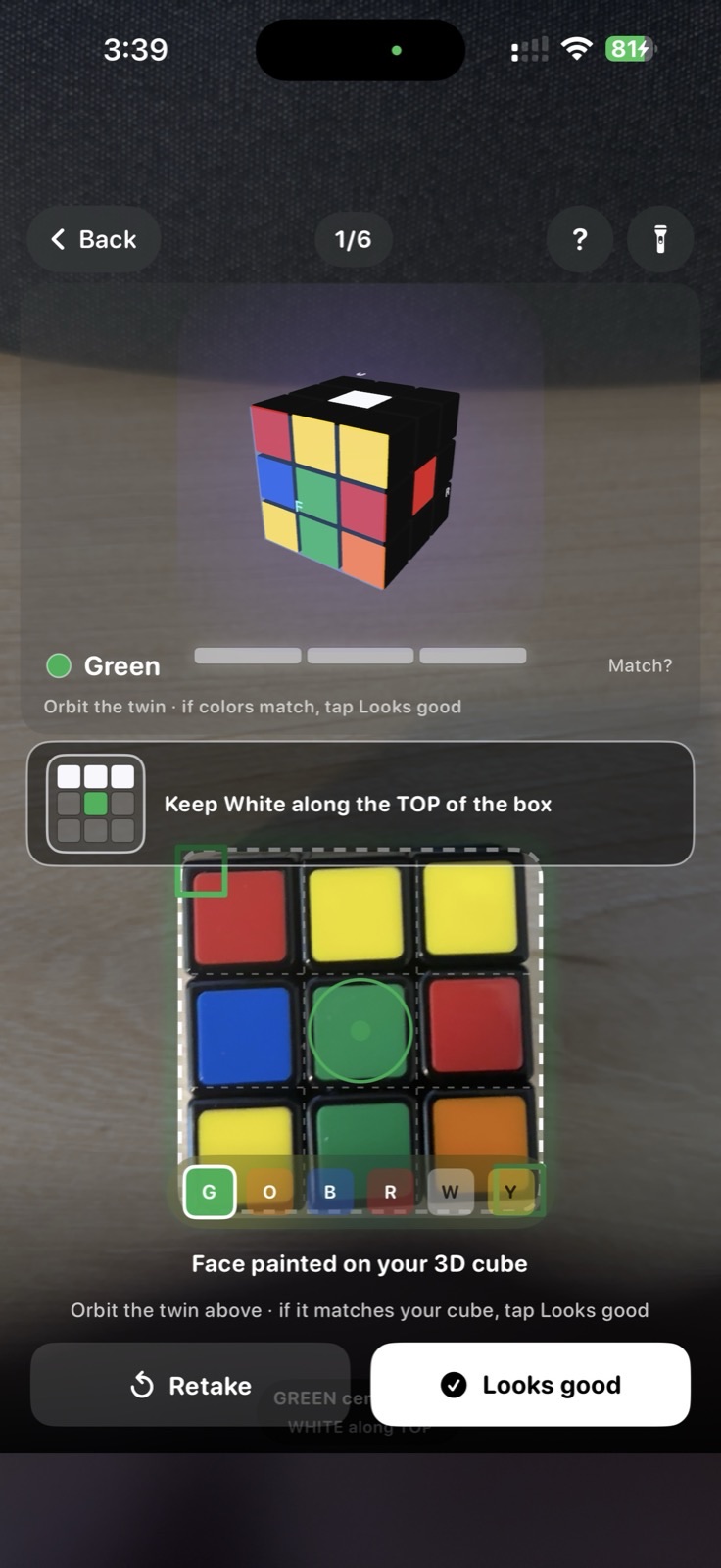
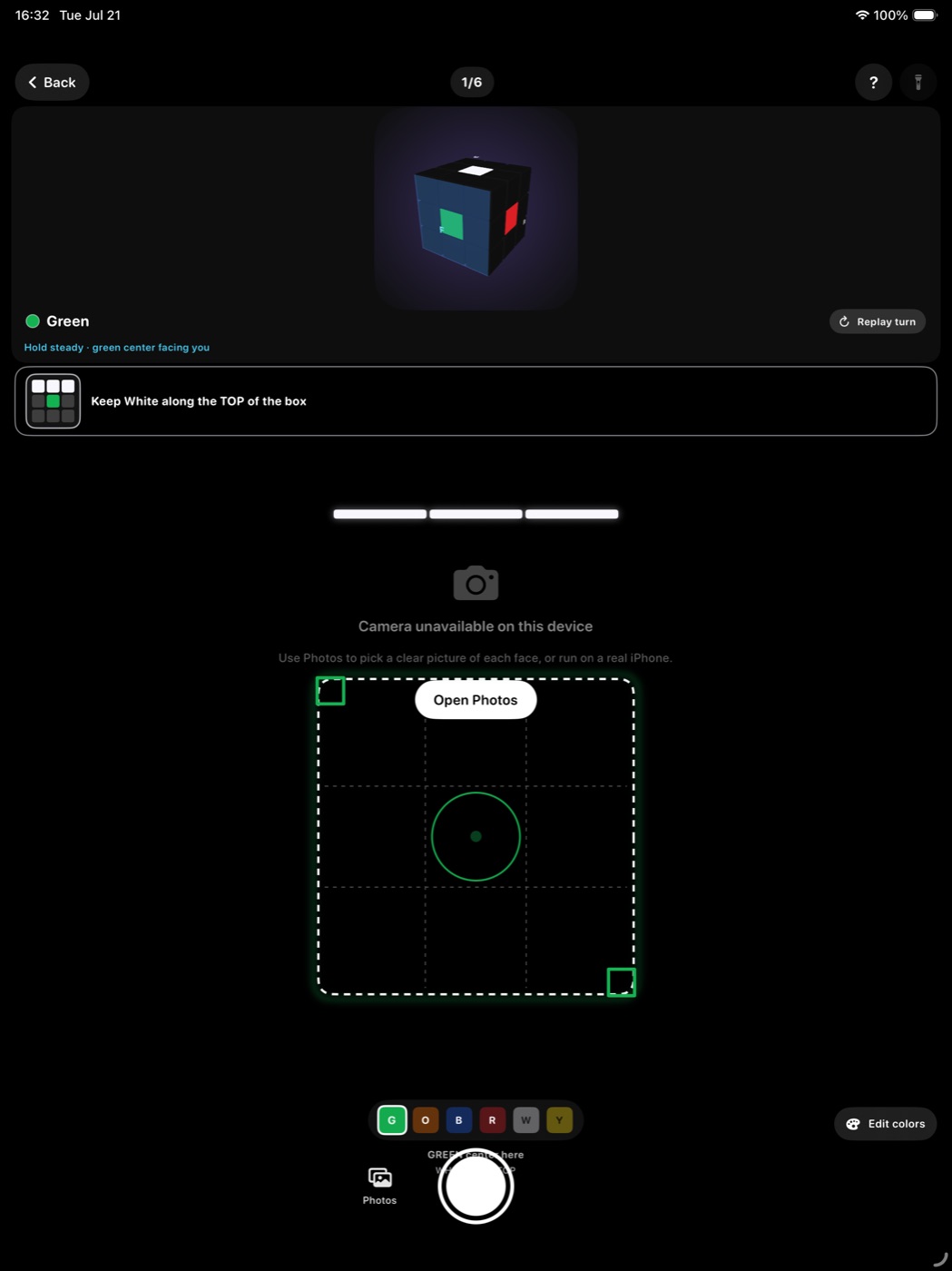
Before you shoot, only the six centers are painted. After each photo, real stickers fill that face so you can verify early.
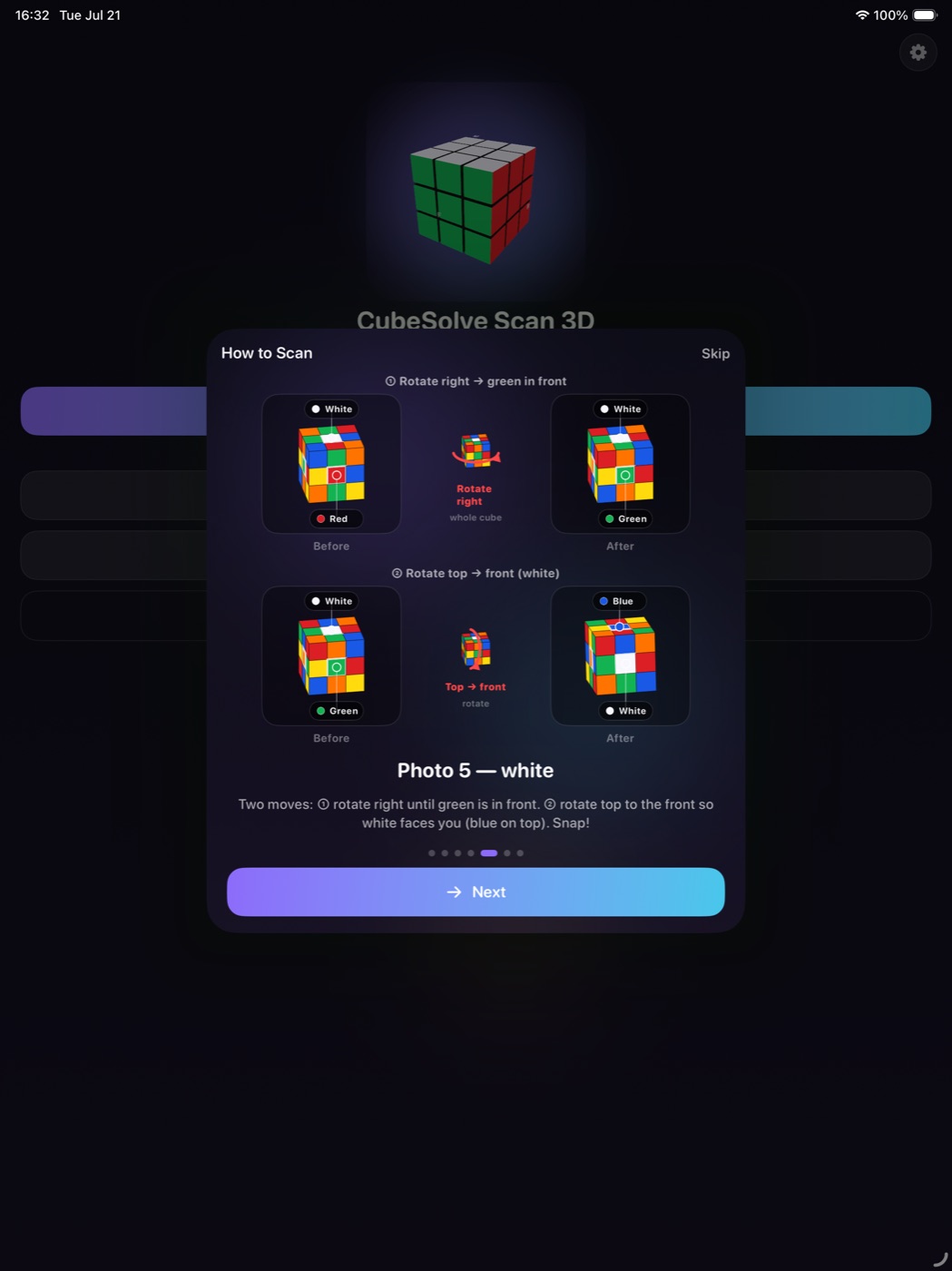
After Looks good, the twin turns right for green → orange → blue → red. White and yellow use a clear two-step path via green. Replay turn anytime.
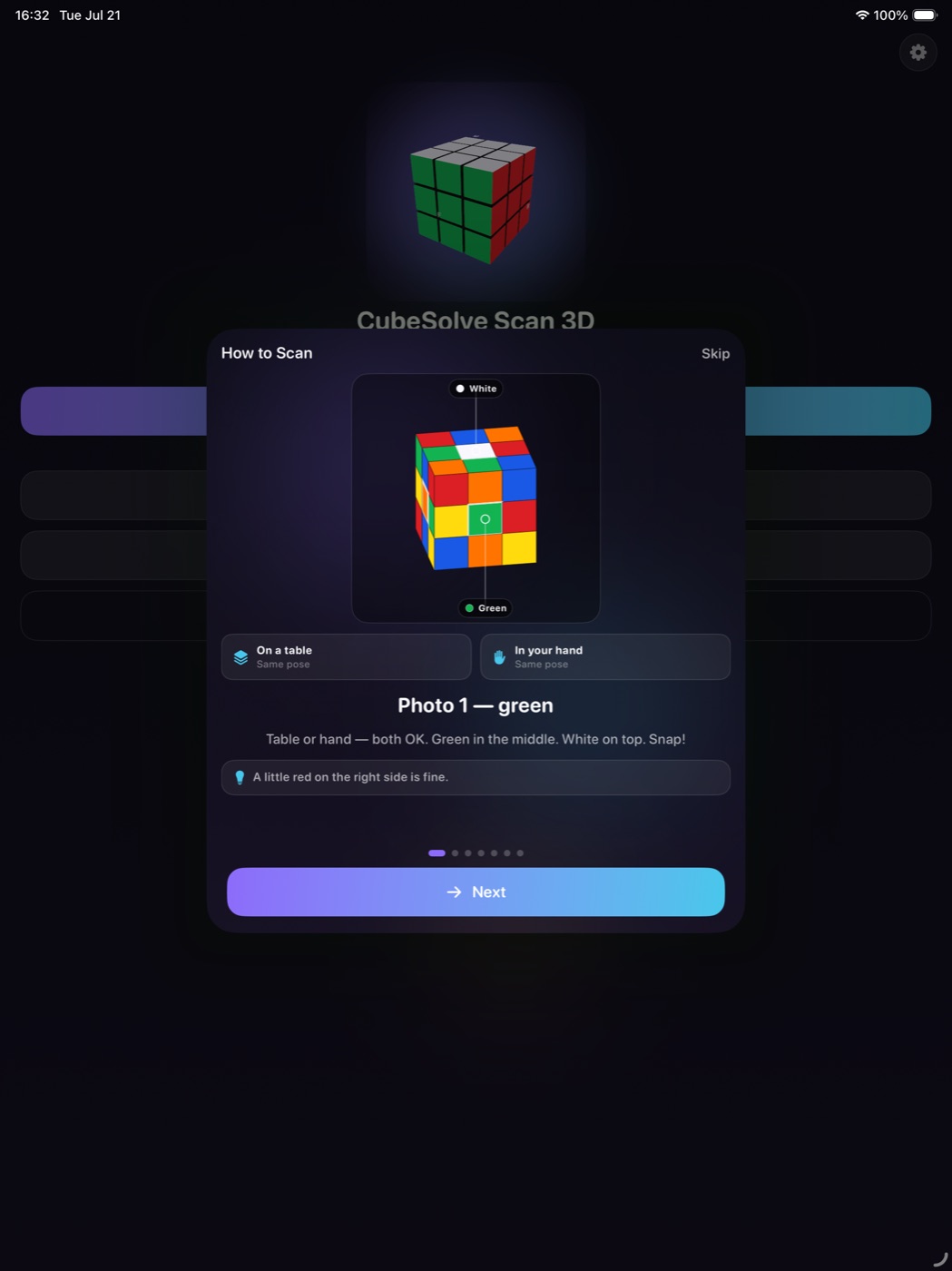
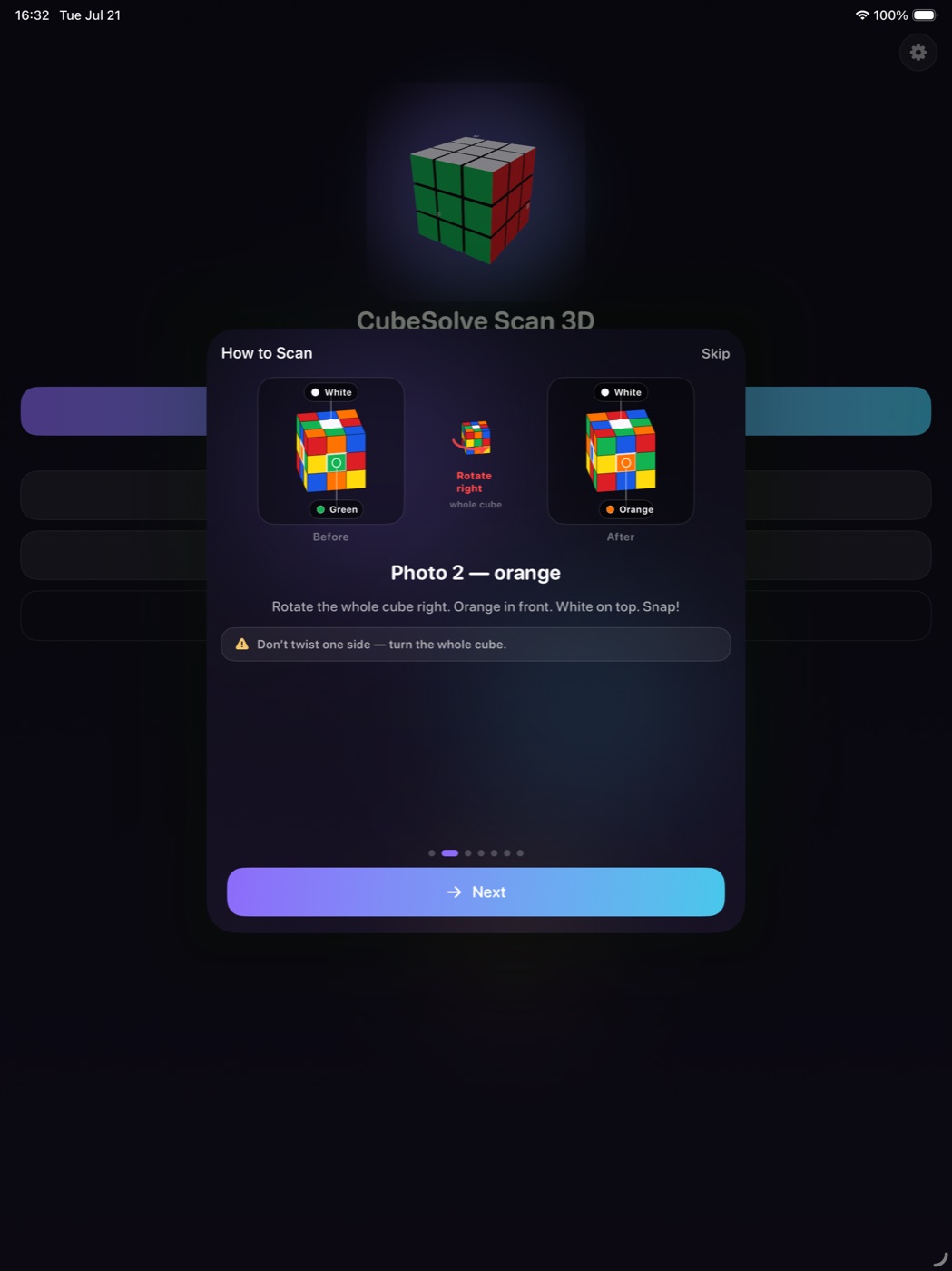
White along the top of the box for side faces; green edge rules for white and yellow. How to Scan on first launch and from ?.
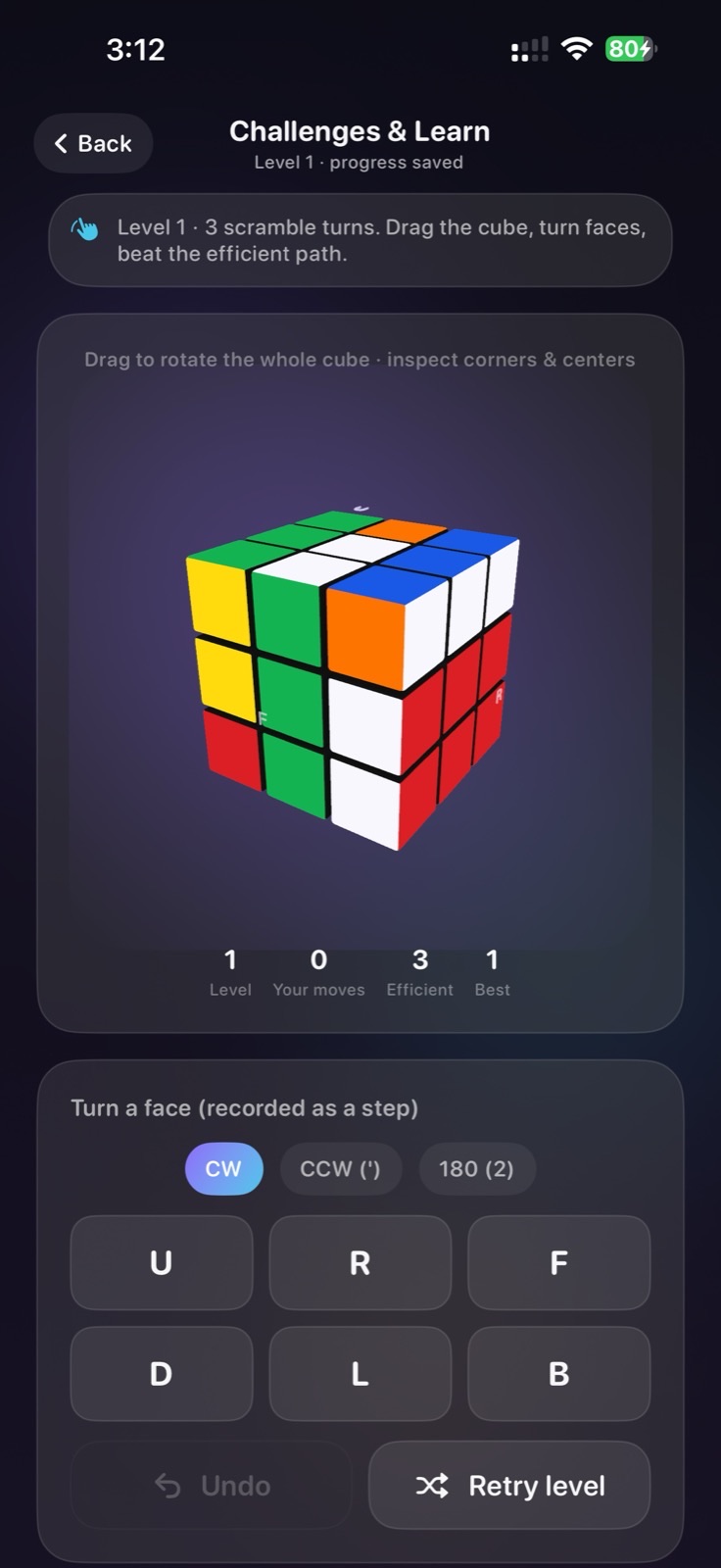
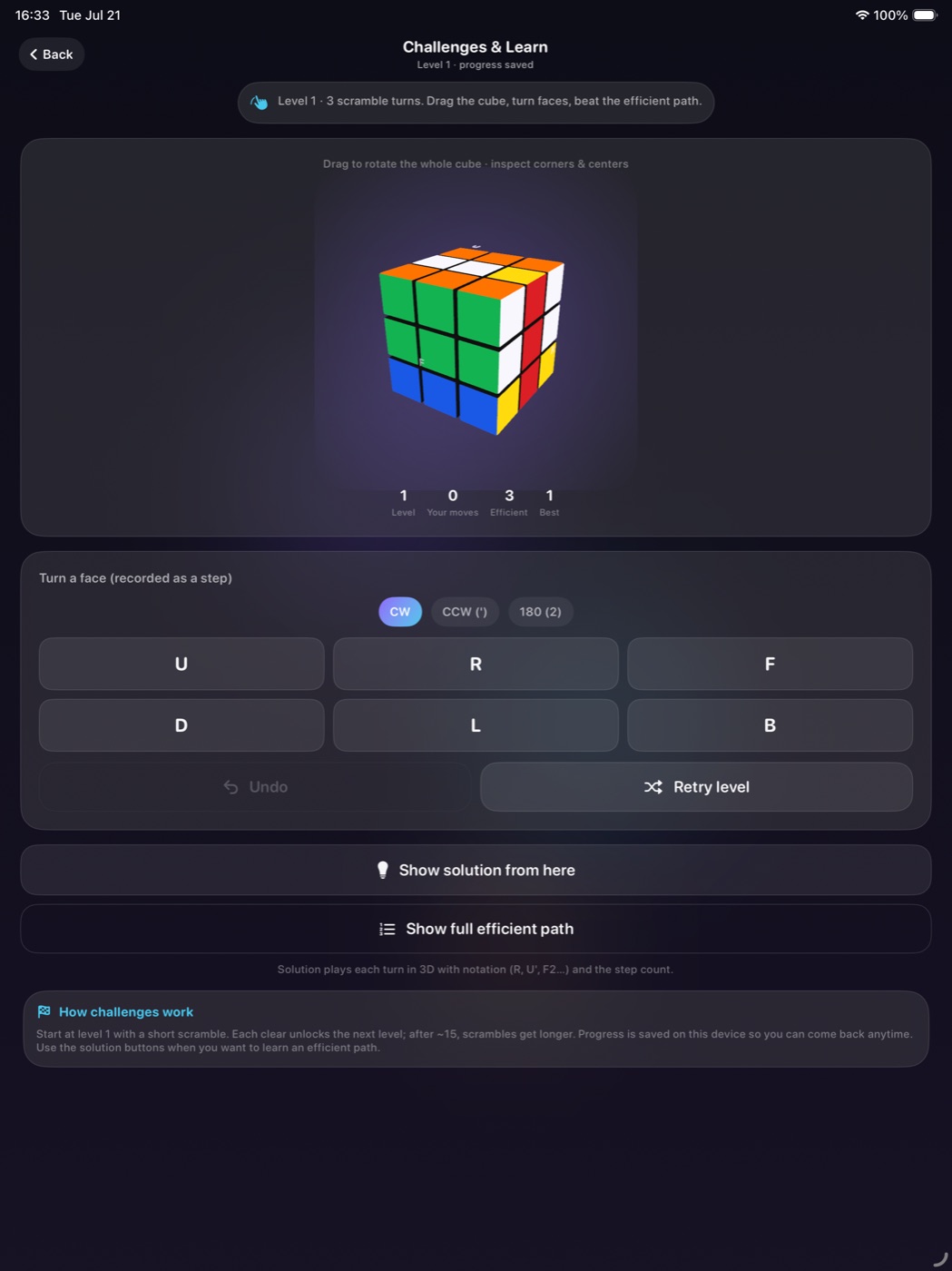
Progressive levels with scramble depth, move pad, and efficient-path hints — practice without a camera.
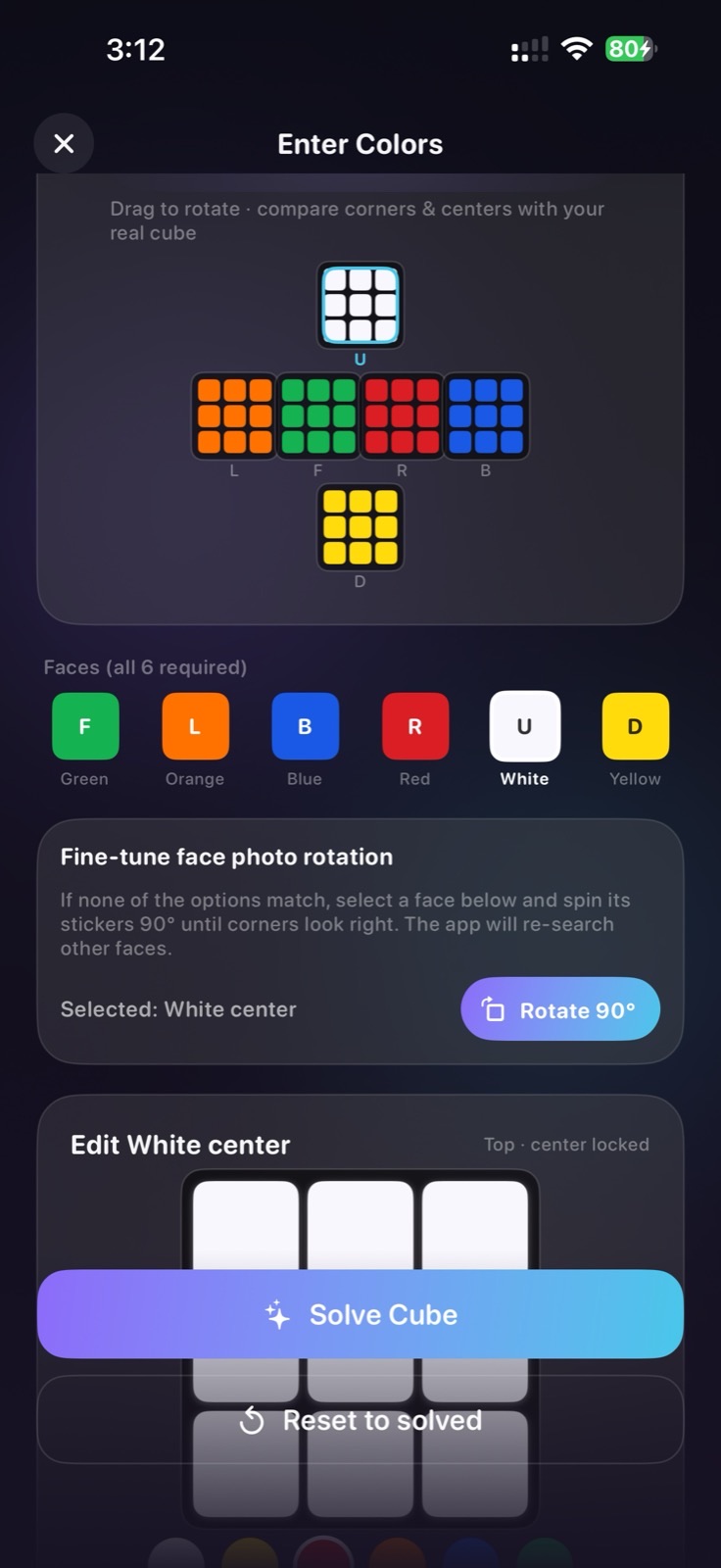
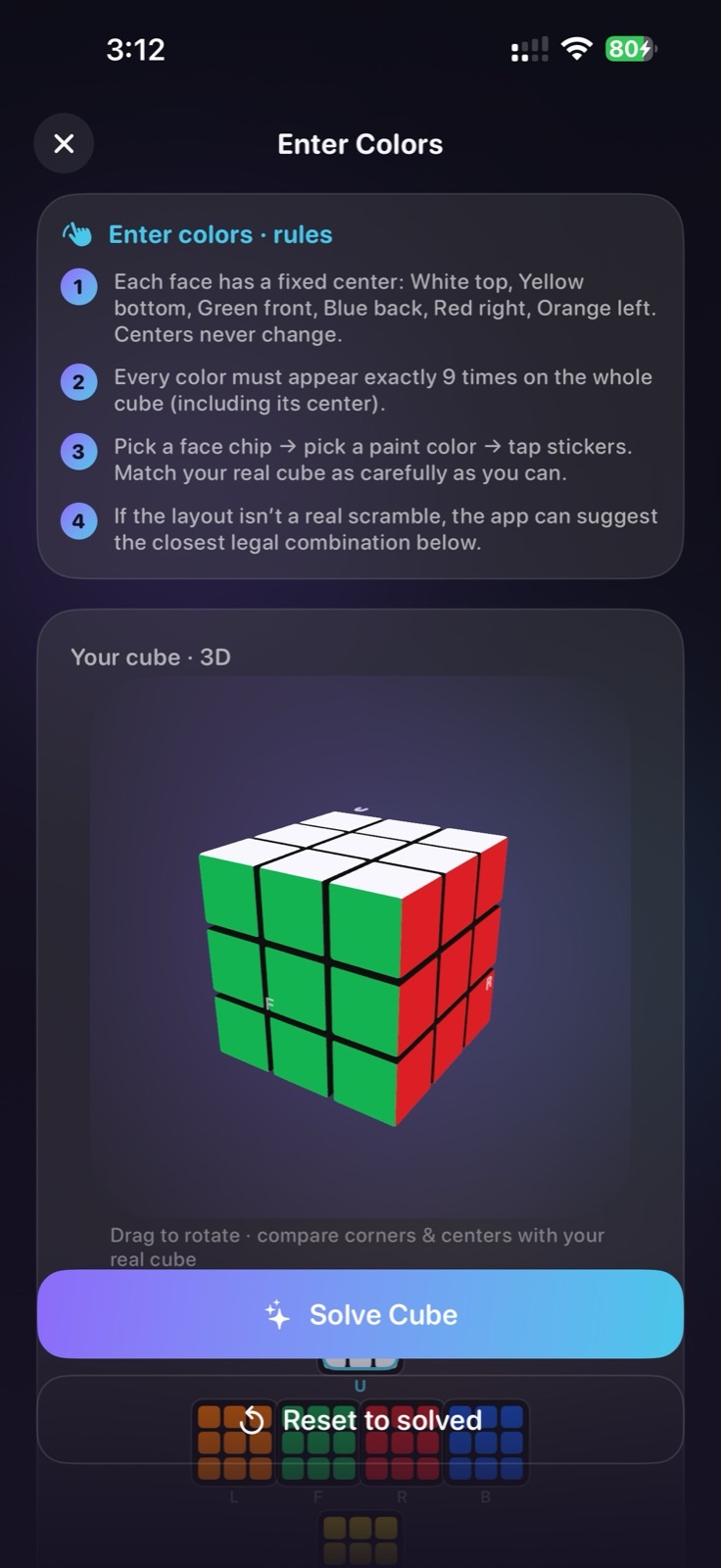
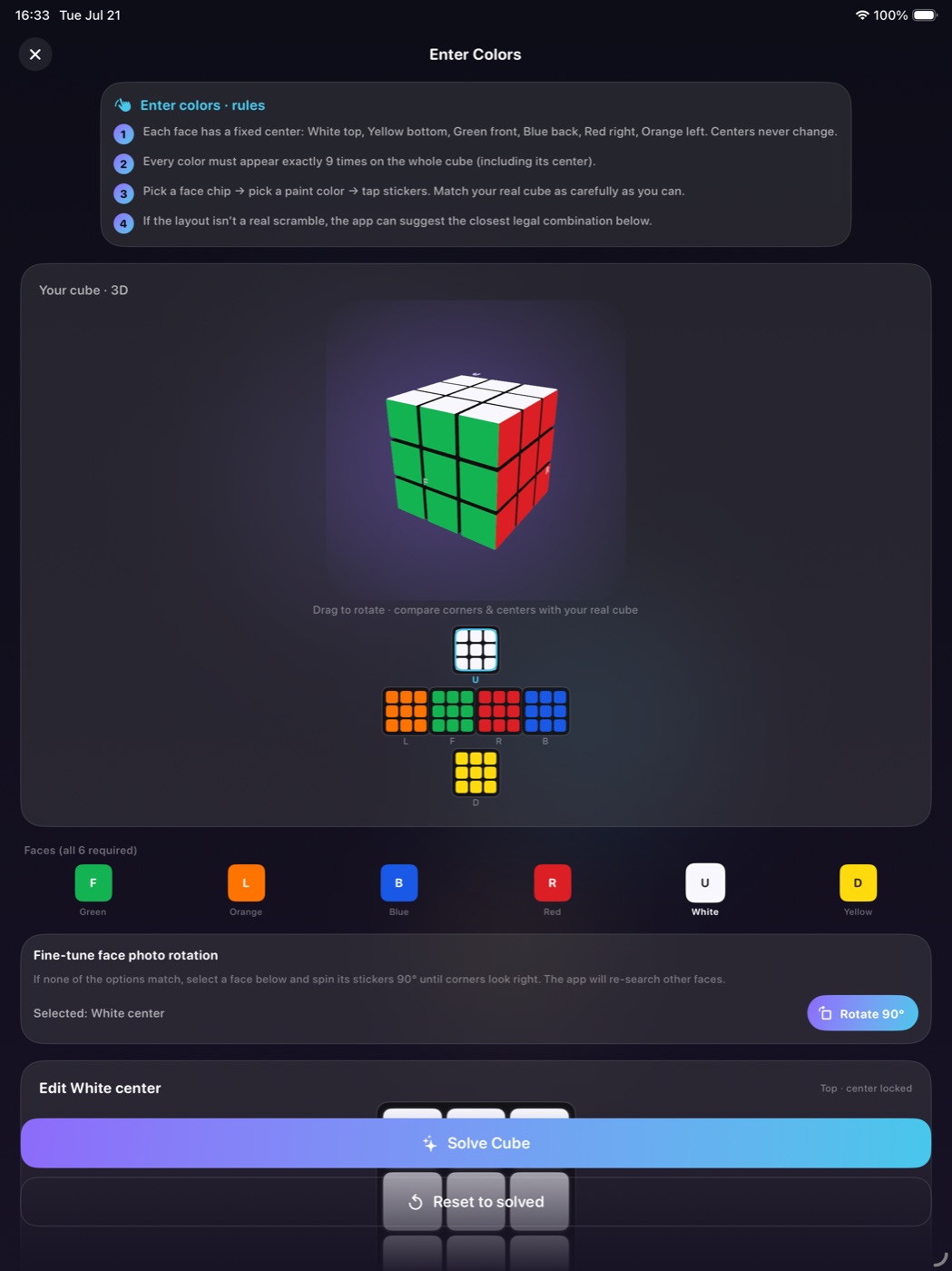
Manual paint when lighting is tough, plus Enter Colors with center rules and legal-layout checks.
Step-by-step Singmaster moves with real layer spins, plain language, and “I Did This” pacing — no fake method stage names.
On iPhone
Real screenshots from the current build — scan coach, paint, Challenges, and more.

On iPad
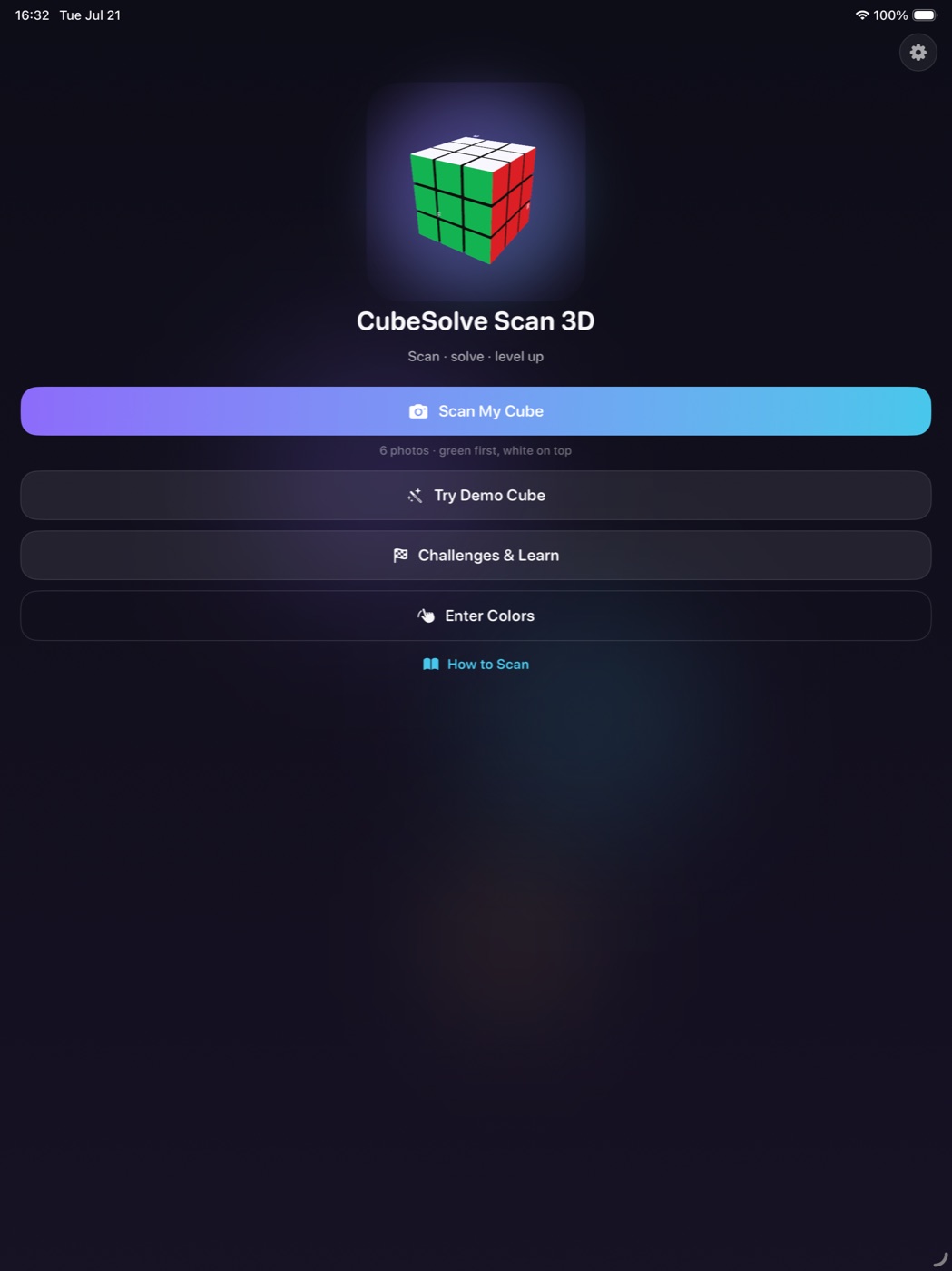
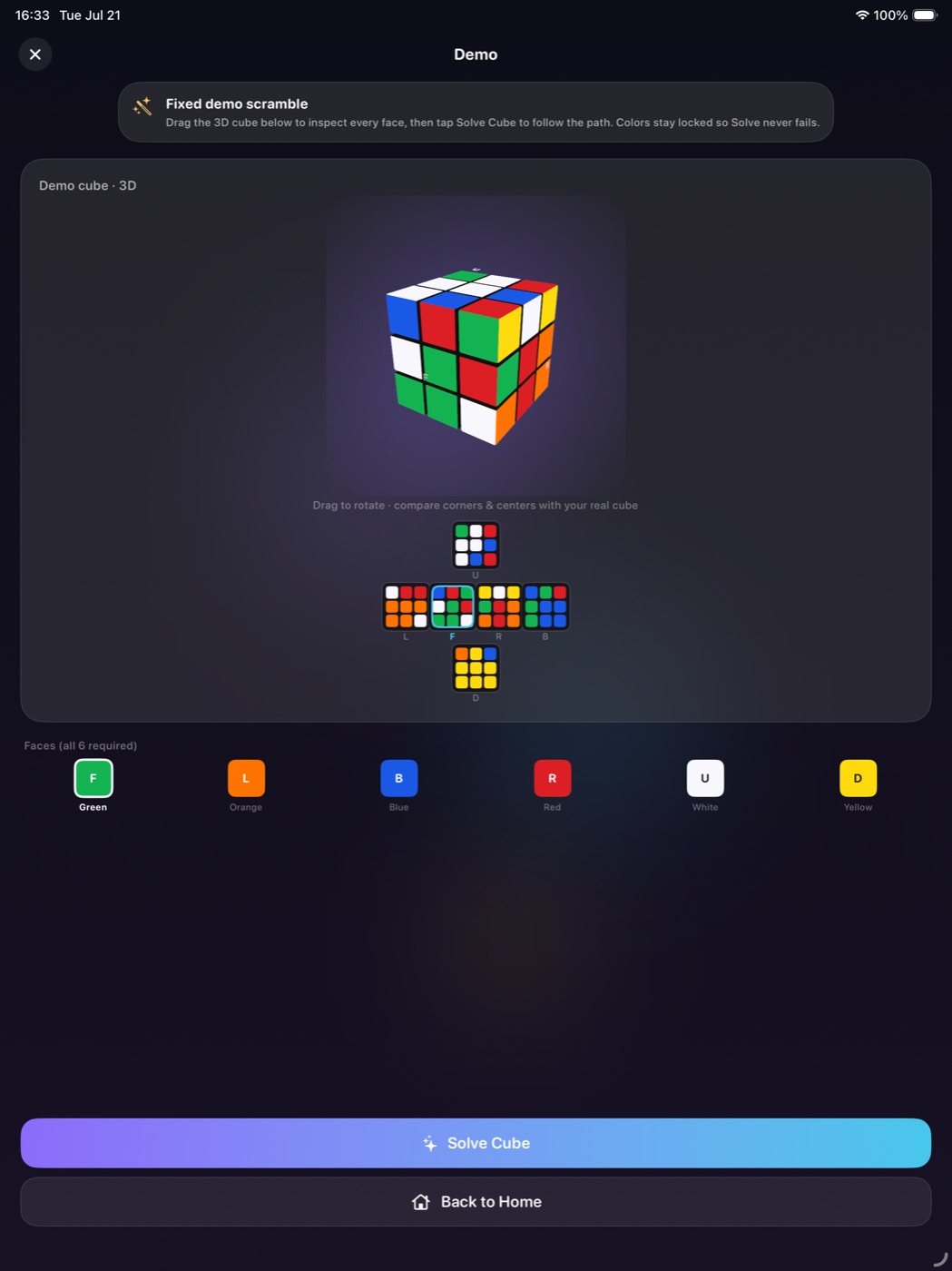
The same coach, stretched for a bigger screen — How to Scan, live twin, Demo, Challenges, and Enter Colors.
How it works
From scramble to solved in a clear loop.
Free camera · On-device · No ads
Scan stays on your device. Demo and Challenges work offline. No account required.
Notes
- Focused on 3×3 only (v1).
- Western centers: white top, yellow bottom, green front, blue back, red right, orange left.
- Camera and photos are processed on-device — not uploaded to Pixelgrove servers.
- No account, no ads, no tracking in v1.
- iPhone and iPad (iOS 17+).